It’s only automatic
until it loses the ball.
A tiny ball. A busy background. A few blurry frames. When tracking breaks, you’re back to fixing the tracer yourself.
 EasyTracer
Skip the tracking headaches and frame-by-frame work. Add your shot details, mark four points, and create a beautiful tracer that follows your flight.
You know the shot you hit.
Give your tracer a little direction.
A tiny ball. A busy background. A few blurry frames. When tracking breaks, you’re back to fixing the tracer yourself.
Building paths and adjusting keyframes in your video editor takes time—especially across nine holes.
EasyTracer builds a smooth flight from your inputs.
Preview it, fine-tune it, and make it yours.
Choose the club, enter the carry distance and describe the shape: straight, draw, fade, hook or slice. Save your camera setup for the next shot.
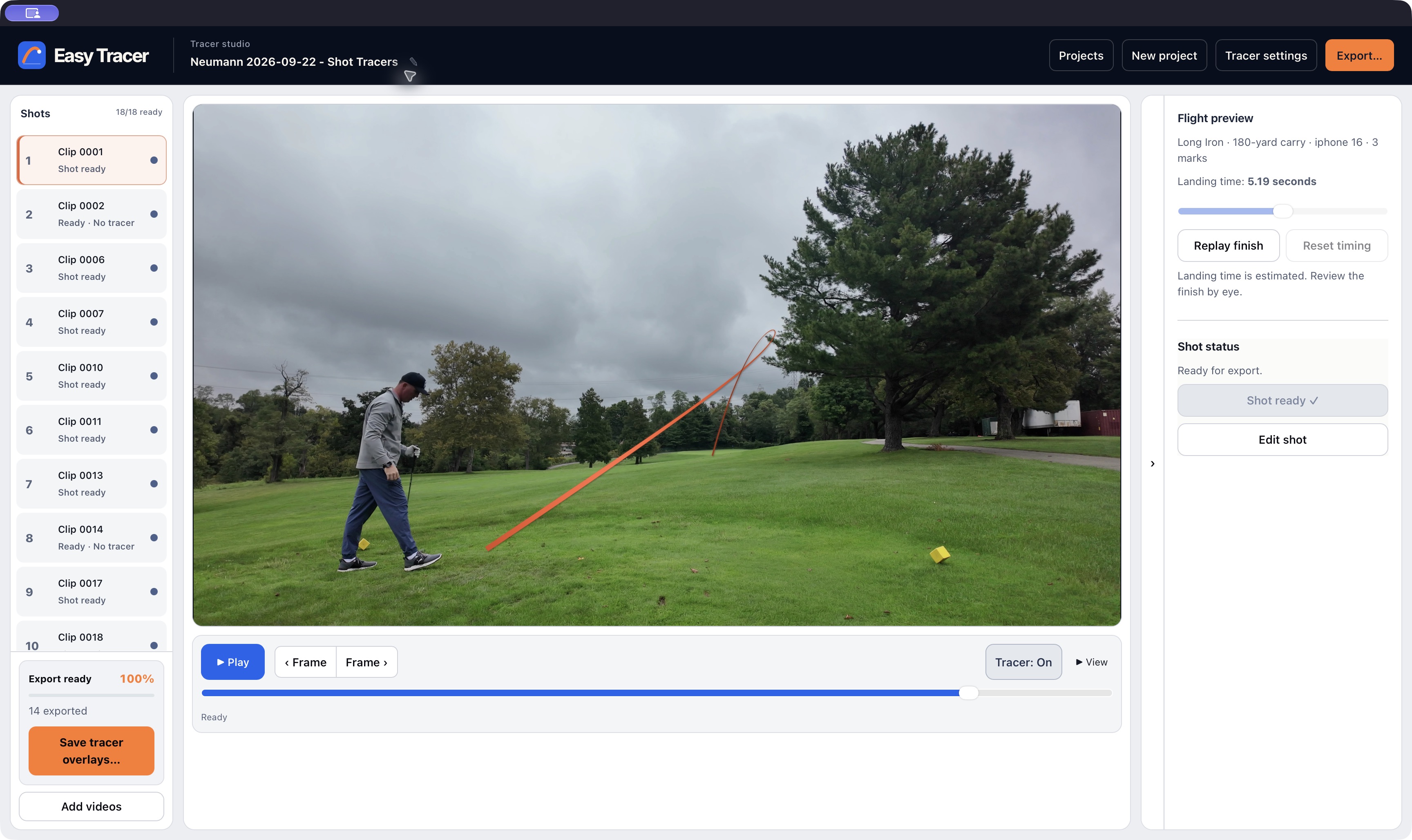
Select the start, two points while the ball is visible, and the landing spot. No need to find the apex or draw the entire path.
Review the generated flight and finish, adjust as needed, then export. Clean, polished tracers with your judgment guiding the result.
Reopen an existing tracer, review its estimated finish, choose a style, and export. A 70-second silent, captioned review.
Best with a fixed camera—no panning or zooming. Flight and landing timing are estimated from your marks and shot details.
Choose your colors, line weight and glow.
Apply a consistent style across the round.
Add tracers to your round without turning it into an all-night editing project.
*Based on the founder’s timed nine-hole workflow. Tracer setup only; export time is additional. Your time will vary with footage and adjustments.
EasyTracer V1 · $49 USD once · Two computers · 14-day refunds. Public release coming soon.
Check availability ↗